

Sign in, and a forgotten password
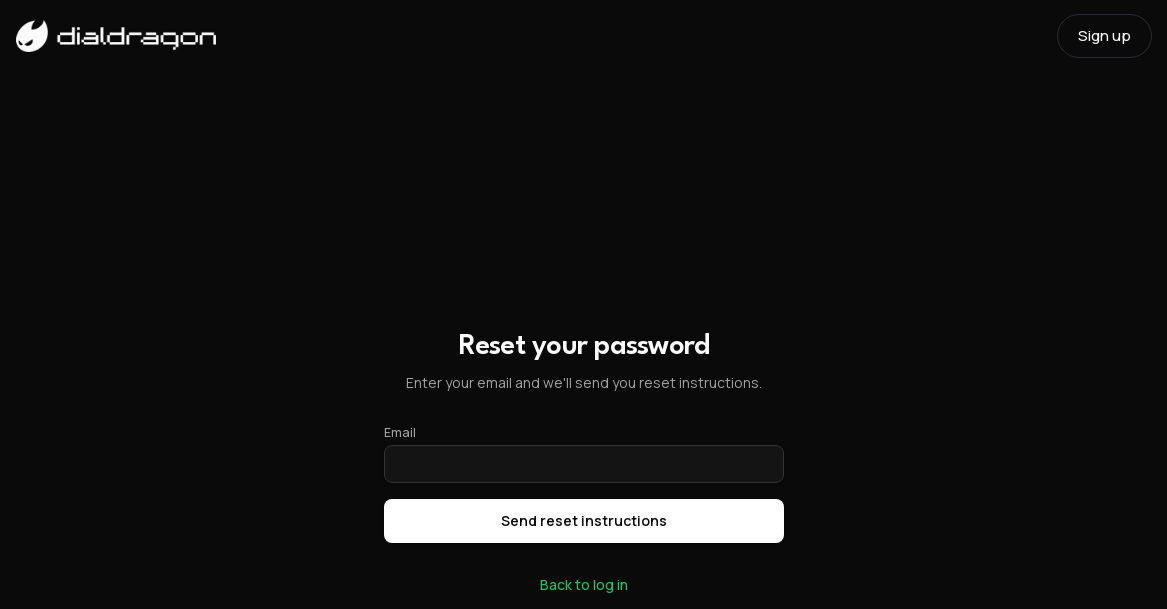
Use the same email you signed up with. A reset link comes from Dial Dragon. The new password is at least 8 characters.
Sign in at dialdragon.com with the email and password on the account. If you are inside Shopify Admin, open the Dial Dragon app from there. It is the same workspace.
- 1On the sign-in page, choose the reset option and enter the account email.
- 2Open the message from Dial Dragon and use the link. It works once and expires after 60 minutes. If you asked more than once, use the newest email.
- 3Set a password of at least 8 characters.
- 4Sign in again. If the mailbox is shared, a teammate may have already used the link.
Dial Dragon will not ask you to paste a password into a chat or into a text. If a message looks off, ignore the link and email support@dialdragon.com from the address on the account.