

How long onboarding takes
The setup wizard is one sitting if your Shopify login and policies are handy. The calling number is the part that waits.
New workspaces open Set up Dial Dragon. The progress bar counts six steps. Pricing sits in that sequence and is not one of the six, because it does not block anything. Progress saves on its own, so you can close the tab and pick up the same step later.
What you actually do
- 1Hello. Enter the business name customers already know.
- 2Connect Shopify, unless the store is already connected.
- 3Customer calling and text consent. This is how shoppers opt in to calls and texts.
- 4Store profile. Brand, what you sell, shipping, returns, and a few products.
- 5Your phone number. Register the business details for the number Dial Dragon will call from.
- 6Billing. Read the price. This page explains the bill. It does not block the other steps.
- 7Create your first program. A one-time campaign, or a flow that runs on its own.
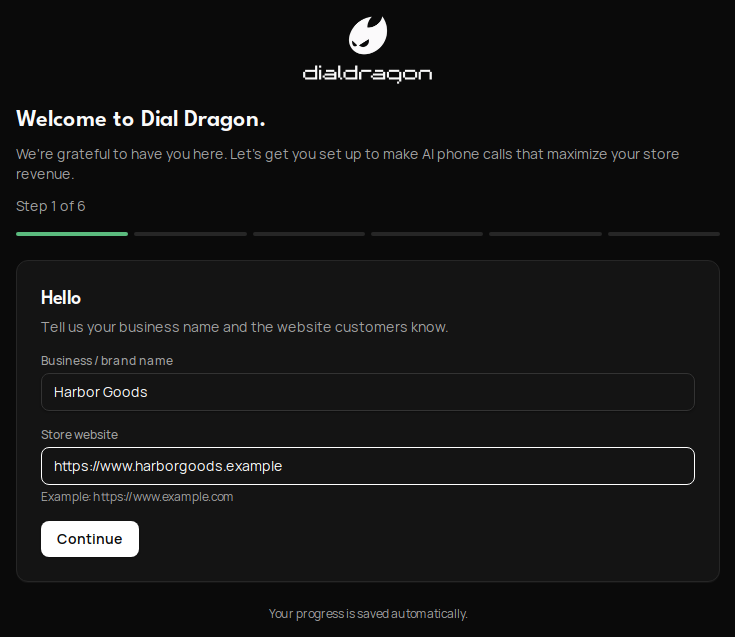
If you already have the Shopify admin login, a person who can confirm the legal business name, and your shipping and returns pages, the wizard itself is a single pass. You are not waiting on Dial Dragon between those screens.
Where the time actually goes
The wizard itself is a form. With the Shopify admin login, the legal name and tax ID, a business address, one person who can be the authorized contact, and your shipping and returns pages, you can finish the screens in one sitting. Nothing on Dial Dragon’s side sits between those screens. If you close the tab, you come back to the same step.
The Pricing step does not block the rest. It is there so you see the price before anything dials: 12.5¢ per connected minute, with the first 500 real outbound attempts free. You can read it and move on.
- Business verification usually takes a few business days. Our team checks that the business is real. Dial Dragon emails you right away when your phone number has been approved. Leave the page. The email is the ping.
- Once the caller name is approved, it can take up to 72 hours to show on every phone. Some phones show it the same day.
- Texting approval often takes 1 to 3 weeks. That review covers how customers agree to texts and what those texts say. A number can say Ready for calls before texts are approved.
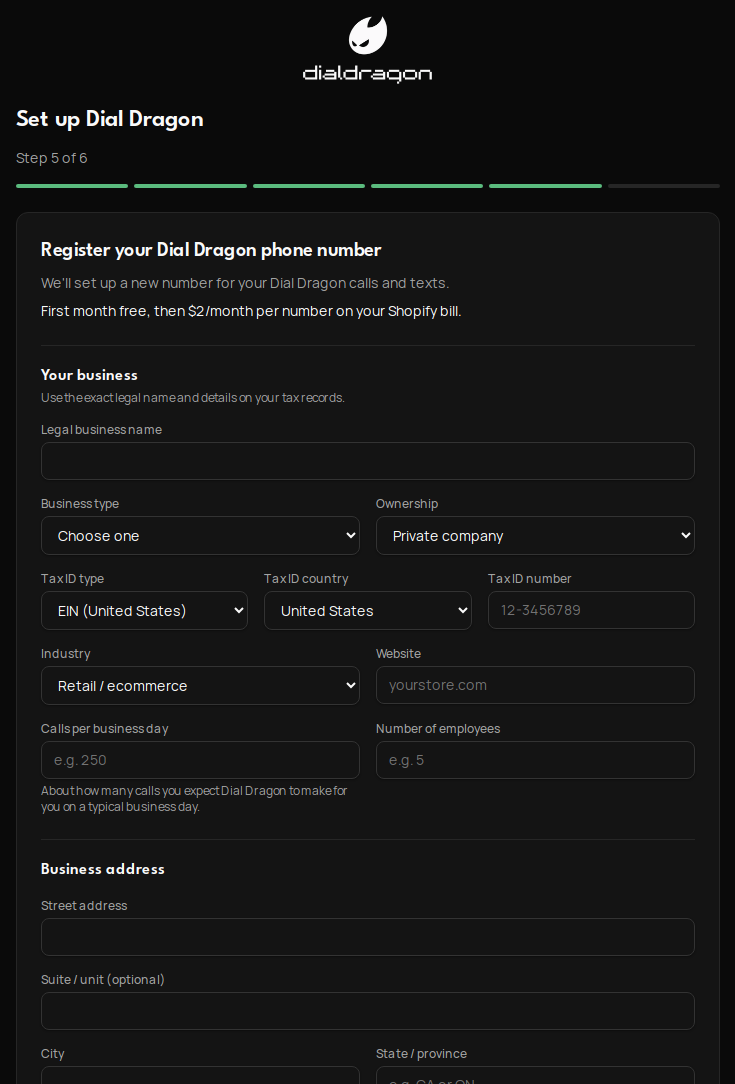
Use the wait. You don't need to create a campaign or flow while the number is in review. Explore Dial Dragon or ask the Agent, and we'll email you right away when your phone number has been approved. Live calls wait until Account → Phone number says the number is approved. If a step needs an update, fix the field it names and submit again. Do not start a second registration beside the first.
You are not live just because the wizard is done. A flow or campaign has to be turned on, and the calling number has to be ready. Home lists anything still missing and links straight to the page that fixes it.