

Connect your Shopify store
Dial Dragon reads products, customers, orders, and abandoned checkouts. It does not edit your theme.
Shopify is the store connection. Dial Dragon uses it for who to call, what they left in checkout, and what you sell. There is no other store platform.
Connect the shop
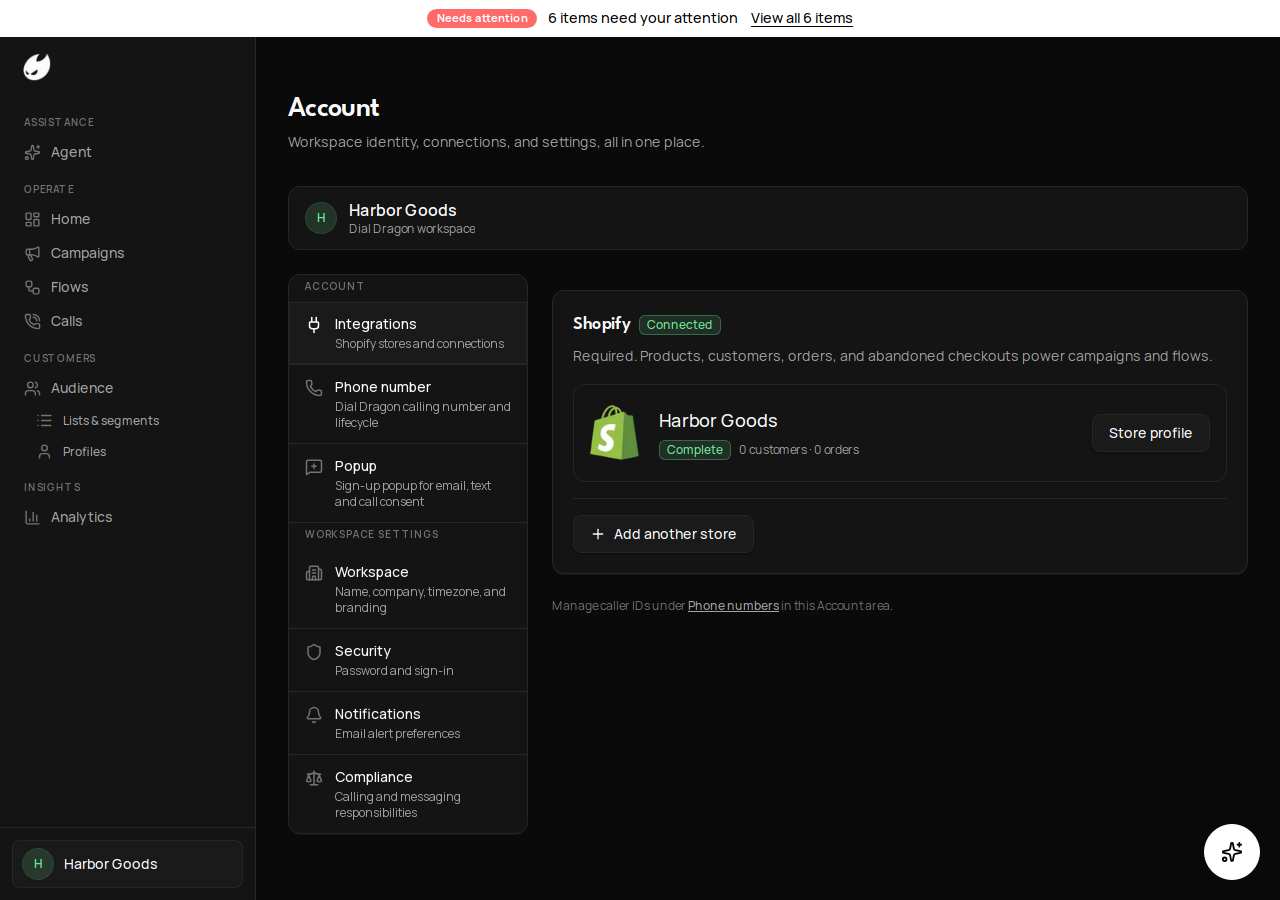
- 1From the setup wizard, or from Account → Integrations, start Connect Shopify.
- 2Approve the Dial Dragon app in Shopify admin. Use the your-store.myshopify.com domain.
- 3Come back to Dial Dragon and confirm the right shop is on the store card.
- 4Wait until the card shows the sync as finished before you build an audience off those customers.
The connection reads products, customers, orders, and checkouts. It does not change your theme or your checkout design. You still paste the text-consent label into Shopify yourself. That step is separate, under Account → Compliance.
A second brand is another store on the same page. Open the store card when you want the store profile, a reinstall, or a rename.