

Schedule a campaign
Launch timing holds the campaign until the time you set. Before that, and outside the calling window, dials wait. They are not dropped.
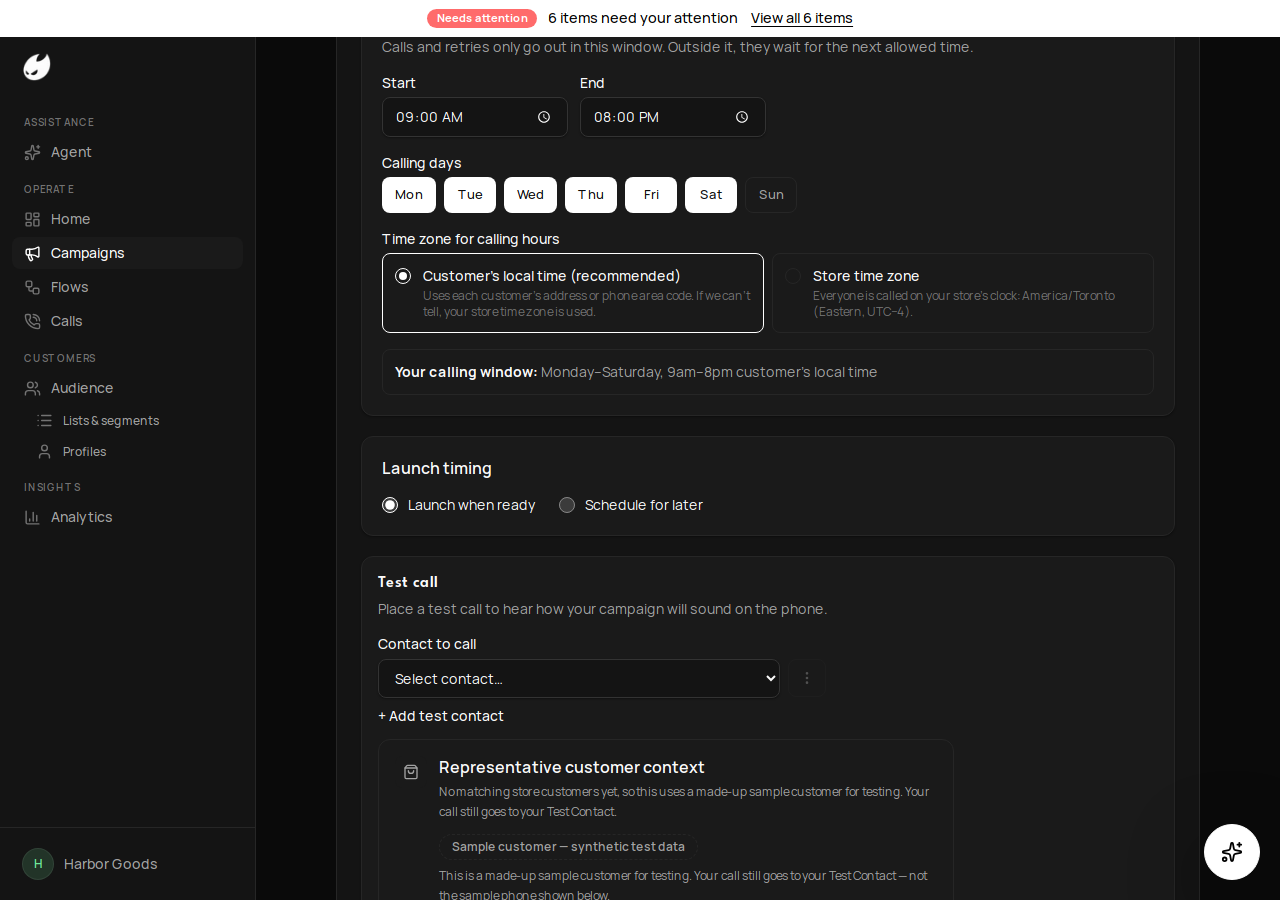
On the last campaign step, AI + Test + Launch, Launch timing is where a campaign waits. Launch now starts when you press launch, and then only inside the calling window. A future start stays queued until that time.
- 1Finish the offer, the voice, the audience, and the caller number first. A schedule does not skip those checks.
- 2Set the start. Use the campaign time zone if your customers are not all in one place. Dial Dragon prefers each customer’s local time when it knows it.
- 3Leave calling hours where you want them. The default is 9:00 a.m. to 8:00 p.m., Monday through Saturday.
- 4Launch. Before the start, nothing dials. After the start, anyone outside the window waits for the next open slot.
Pause still works after it has started. End cancels what is queued and finishes the campaign for good. Changing the start after launch is not how you delay the rest of the list. Pause it.