

Calling hours and retries
Calls outside the window wait for the next open slot. A no-answer can be tried again on the spacing you set.
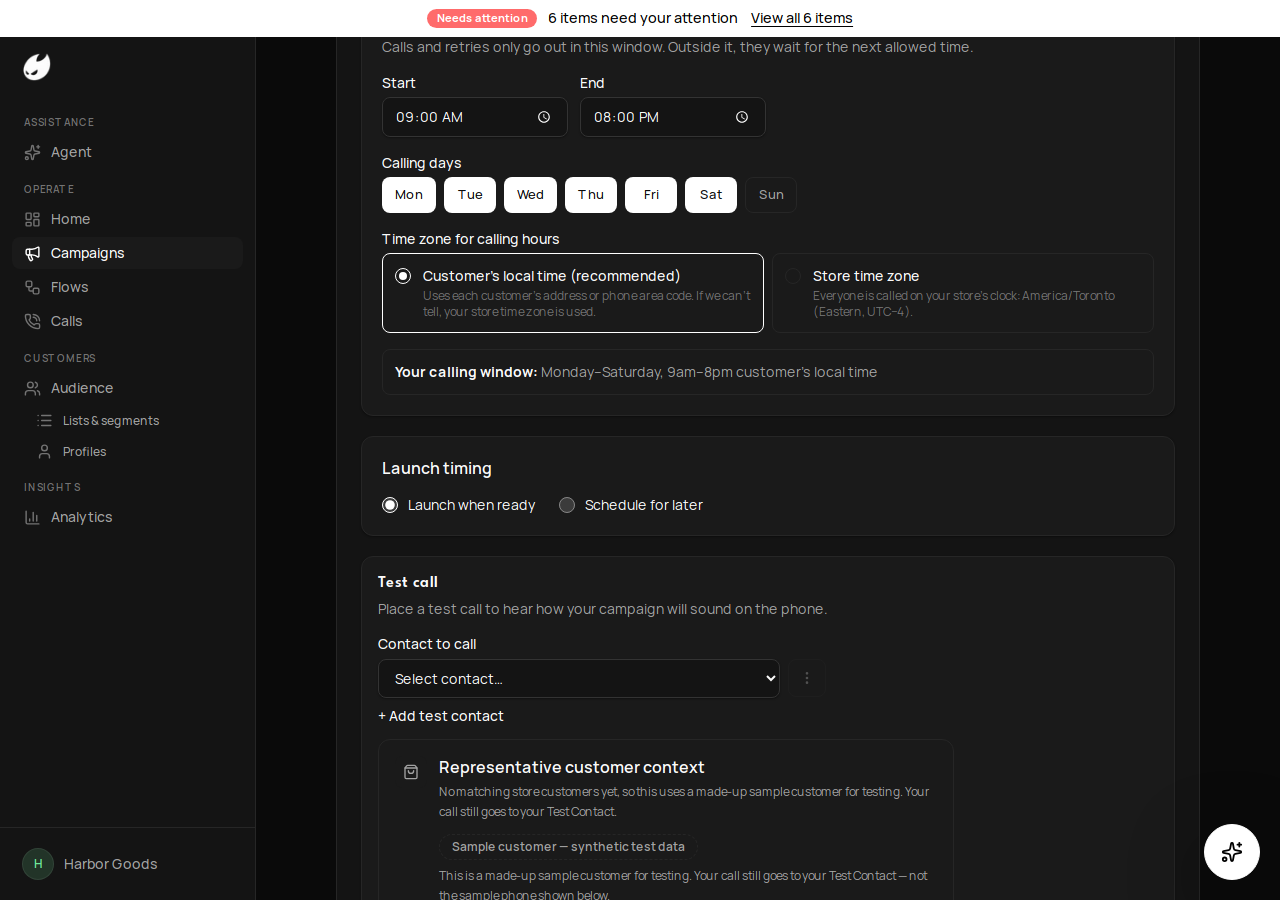
Each campaign and each flow has its own days and hours. The campaign default is 9:00 a.m. to 8:00 p.m., Monday through Saturday. The flow default is 10:00 a.m. to 6:00 p.m., Monday through Saturday. Change either one in the builder.
Time zone order: the customer’s local zone when Dial Dragon knows it, then the zone pinned on that campaign or flow, then the workspace default under Account → Workspace. A call that falls outside the window moves to the next allowed slot. Flows can instead be set to skip it. Skipping is a choice on the flow. Waiting is the usual one.
- 1On a campaign, open Audience + Delivery → Calling hours. Set start, end, days, and time zone.
- 2Under Callback if no answer, set how many attempts and how long to wait between them.
- 3On a flow, the same controls are on page 2 under timing and retries. Abandoned checkout defaults to two calls, the second 24 hours after the first.
- 4Launch or save. Queued calls before the scheduled start stay queued.
An answered call ends the retries for that run. So does a purchase. A voicemail is not a conversation you leave a message on. Dial Dragon hangs up, and a flow that still has retries left can try again later.