

The Home checklist
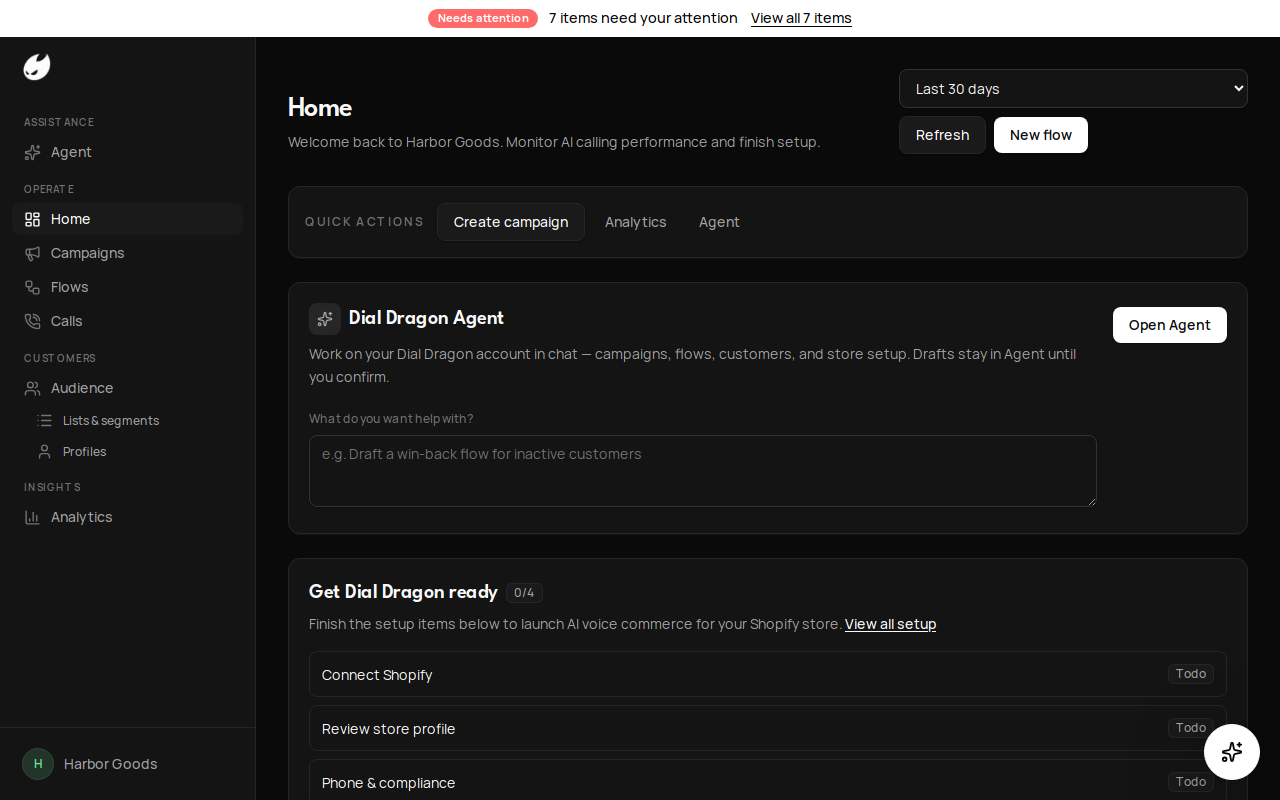
After the wizard, Home is the list of what still blocks a live program, each row linked to the page that fixes it.
Home is the page you land on when you are signed in. It is not a dashboard of vanity numbers. It is the short list of setup that is still open.
- 1Open Home.
- 2Read each row that is still incomplete. The link on the row is the page that closes it: Shopify, text consent, the store profile, the calling number, or the first program.
- 3Finish that page, then come back. The row clears when the check passes, not when you have merely visited.
- 4When the calling number says Ready for calls and a flow or campaign is on, Home stops being the thing you look at first. Calls and Analytics take over.
Dismissing a reminder does not turn a program on. A flow that is saved and still a draft calls nobody.