

Segments that show up after sync
Shopify sync creates a few segments for you, including all customers and the recent abandoned carts. They are rules, and they update. They are not a frozen export.
After a sync, Audience → Lists & segments includes segments you did not build. The names to expect: All Customers, Abandoned Cart (Last 24h), Abandoned Cart (Last 7 Days), and Purchased in last 30 days.
- All Customers is the Shopify customer list Dial Dragon can see. It is not “everyone who has ever visited the site.”
- The abandoned-cart segments are the usual audience on an abandoned-checkout flow. Membership is checked live.
- Purchased in last 30 days is a starting point for a cross-sell campaign, not a substitute for the cross-sell flow’s own trigger.
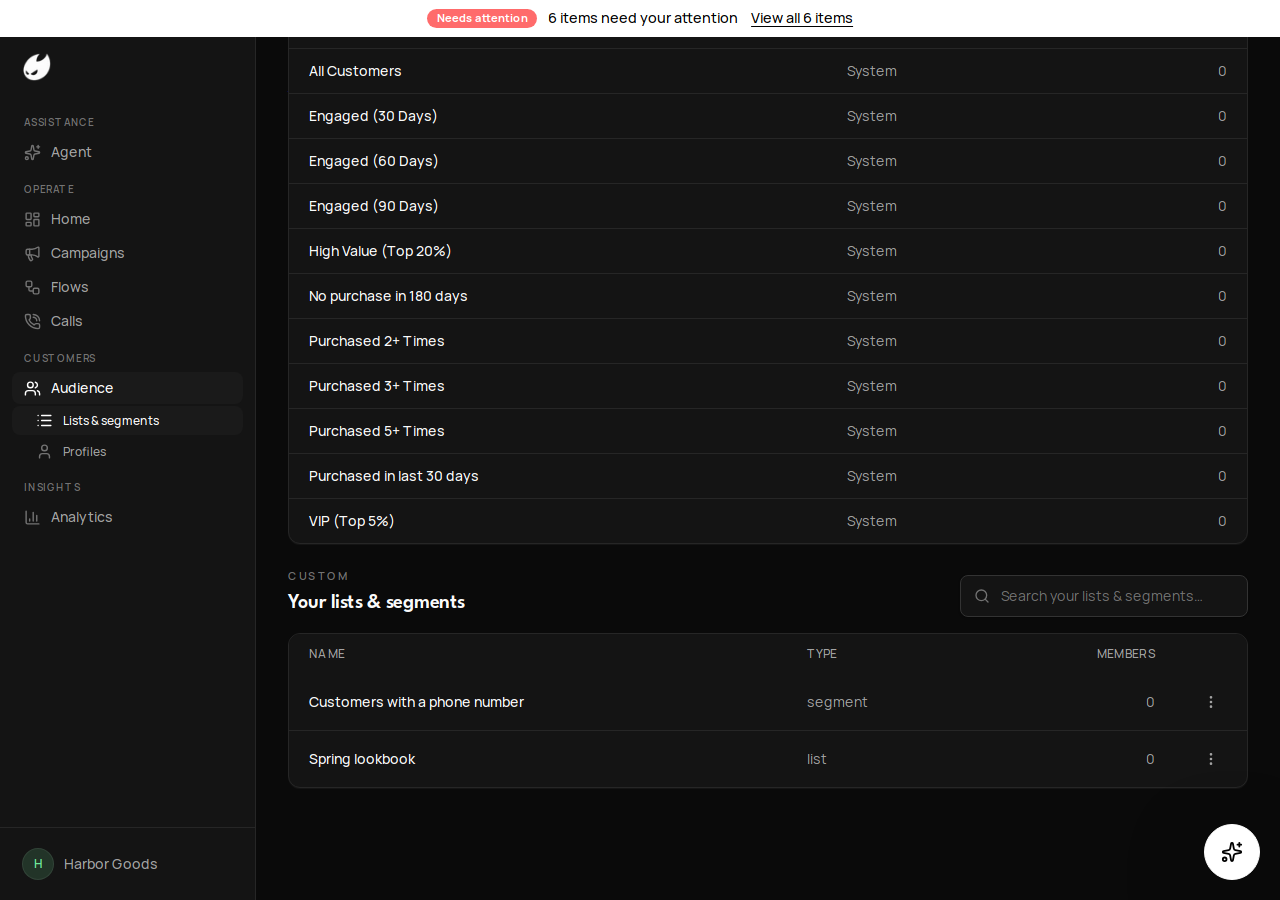
If those rows are missing, the sync has not finished or the store is not connected. Open Account → Integrations and read the store card before you build a campaign on an empty page.