

Lists, segments, and profiles
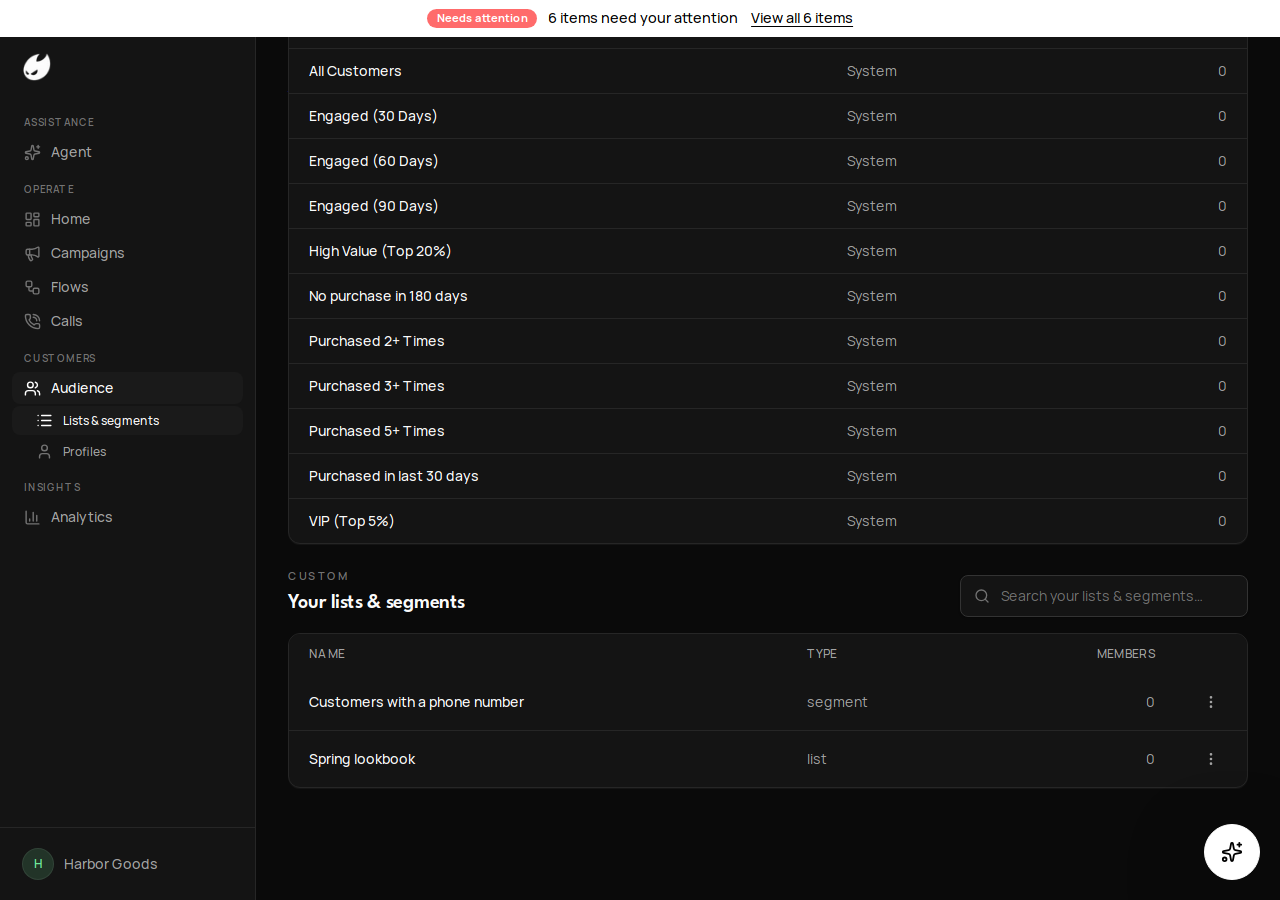
Segments are rules on your Shopify customers. Lists are a CSV. Profiles are the individual people.
Audiences are who a campaign calls, and who a flow is allowed to enroll. They show up under Audience after Shopify has synced.
- A segment is rules on Shopify customers. You combine them with all or any.
- A list is a CSV upload. Dial Dragon gives you a template to download.
- Profiles are one customer at a time: Audience → Profiles.
Shopify sync also creates ready-made segments, including All Customers, Abandoned Cart (Last 24h), Abandoned Cart (Last 7 Days), and Purchased in last 30 days. Abandoned checkout flows are written for the abandoned-cart segments or All Customers.
The in-app Agent can prepare a new segment from the rules Dial Dragon supports. It does not upload a CSV, and it does not pretend an audience exists if you have not built one.