

Exclude people from a flow
Include is who may enter. Exclude is who may not, even if they also match the include. Both are checked at enrollment.
On the flow, Audience eligibility is the include list, the exclude list, and a few order filters. A customer has to pass every check. Exclude wins over include when someone is in both.
- 1Build the segment you want left alone. A Shopify tag such as wholesale, or Total spent, or a CSV of accounts you do not call.
- 2Open the flow and add that segment under exclude.
- 3Set include if the flow should only enroll one group. Leave include empty only when you mean “anyone the trigger qualifies.” Abandoned checkout still requires the audience you selected there.
- 4Save. The next enrollment uses the new rules. People already queued are not silently re-checked for audience, except where the flow type says it rechecks.
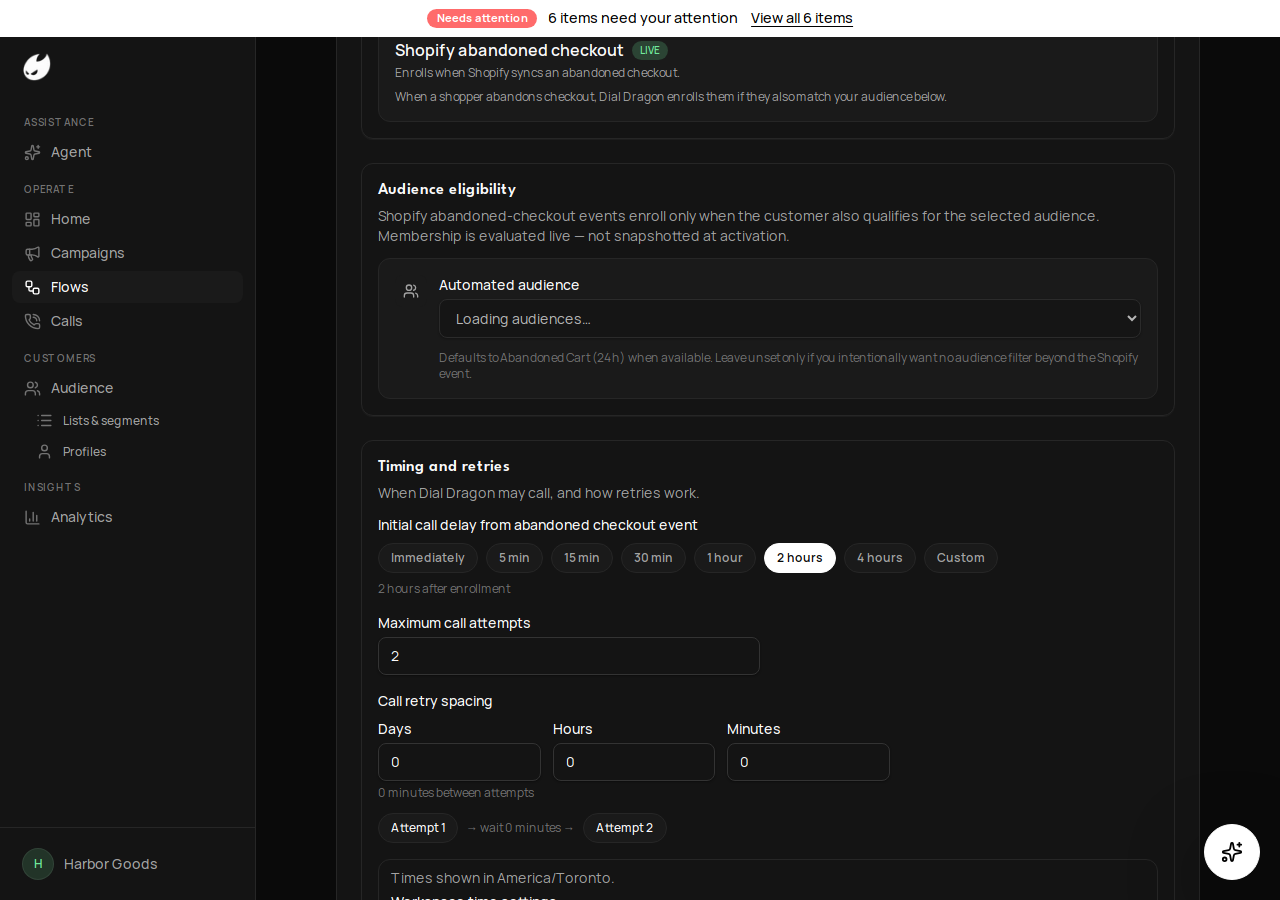
Order filters sit next to those pickers: minimum or maximum order count, minimum total spent, and on abandoned checkout a minimum checkout value. A do-not-call flag is not an audience. It is checked on its own, and it blocks the dial even after enrollment.