

Why a flow will not turn on
Activation checks the caller number. A missing number stops the launch on purpose.
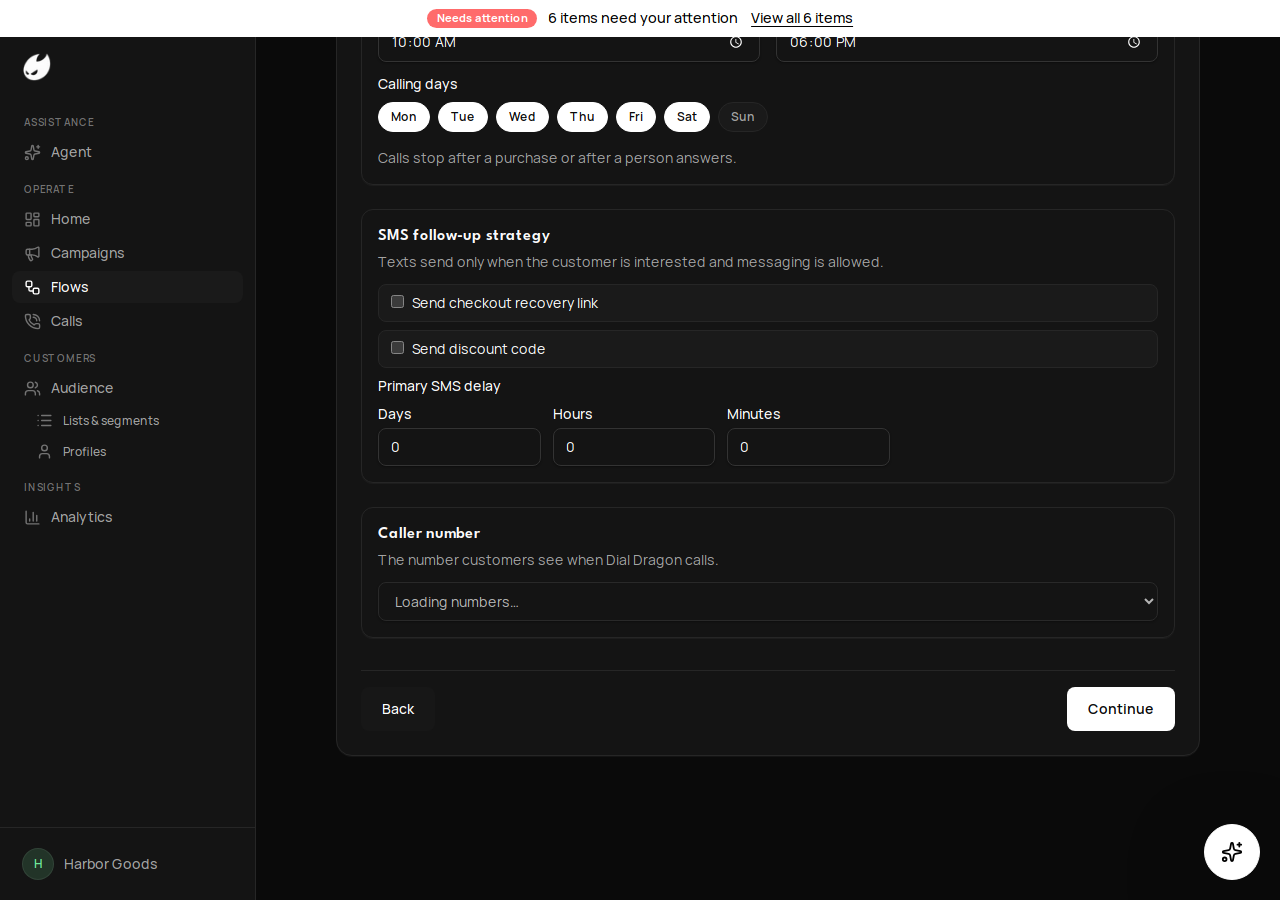
Turning a flow on, or launching a campaign, checks that a caller number is selected and that the store is connected. If either is missing, Dial Dragon keeps the program off.
- 1Open the flow’s page 2, Trigger, timing, and delivery. Abandoned checkout labels that page Trigger, audience, and delivery.
- 2Set Caller number to the workspace number that shows Ready for calls.
- 3On a campaign, the same choice is Caller phone number on Audience + Delivery.
- 4Save, then turn the flow on or launch the campaign again.
If Account → Phone number is still empty, request the number first. You can finish the rest of the builder while you wait. You just cannot go live yet.