

When number setup needs you
Needs your attention means a detail was rejected or is missing. Edit that field and submit again. Email support if the same row comes back after a real correction.
A red Needs your attention row is the one you can do something about. In review is the one you cannot. Read the line under the badge before you change anything. It names the field.
- 1Open Account → Phone number, or the phone step if you are still in the wizard.
- 2Press Fix business details or Edit details.
- 3Correct the legal name, tax ID, address, website, or authorized contact so it matches the records you would hand an accountant.
- 4Save and submit. The row goes back to review. It does not flip to Approved on the same click.
- 5If you have already corrected it and the same detail comes back, email support@dialdragon.com with the shop domain and which row is stuck. Do not open a second registration.
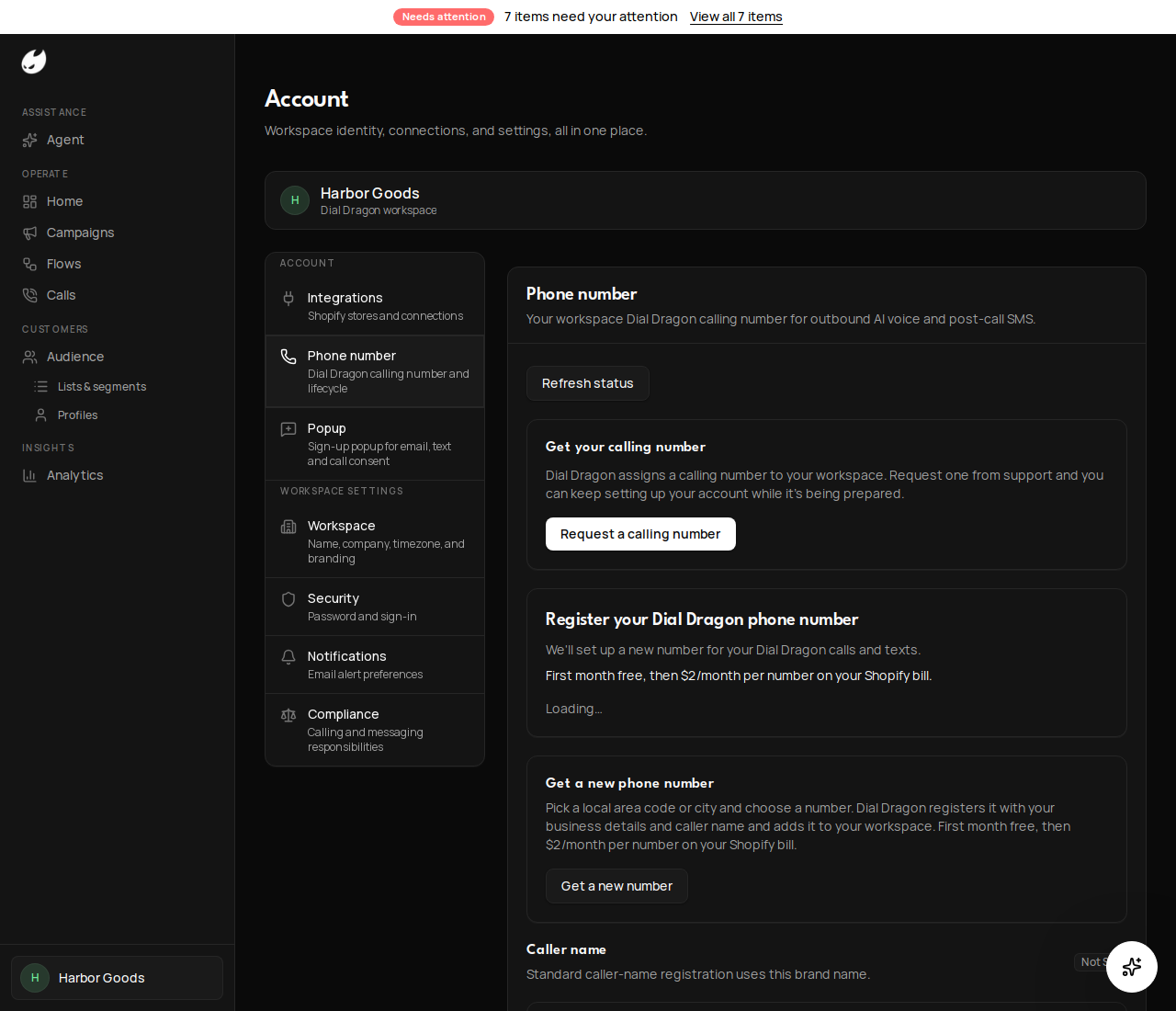
Caller identity can also block calls even after a number is assigned. The phone page says so in plain words when that is the case. Live dials wait until that line clears. Refresh status after the email.