

Notification emails
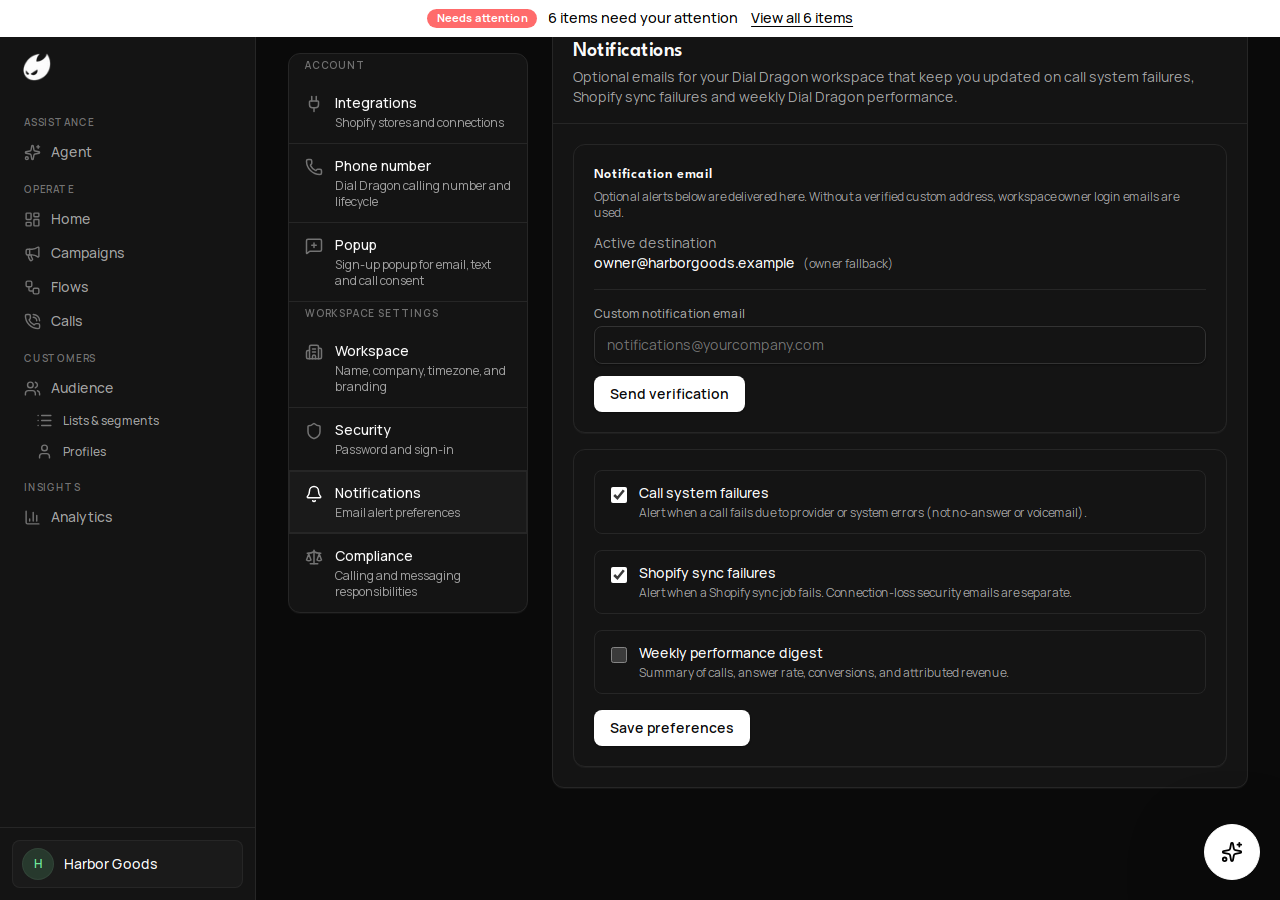
Call-system failures and Shopify sync failures are on by default. The weekly digest is off. They go to a verified notification address, or to the workspace owner.
Account → Notifications is optional mail about the workspace. It is not the approval mail for your phone number. Those approval notes come as each registration step finishes, to the address on the registration.
- Call system failures. On by default. This is a provider or system failure, not a no-answer and not voicemail.
- Shopify sync failures. On by default. Connection-loss security mail is separate and is not turned off here.
- Weekly performance digest. Off by default. Calls, answer rate, conversions, and attributed revenue.
Set a notification email if the owner’s login inbox is the wrong place. Dial Dragon sends a confirmation before that address is used. Until it is verified, owner login emails are the fallback. If the verified address starts bouncing, the page says it may be undeliverable.
Security mail about a password or a login email is not one of these toggles. If you did not make that change, contact support@dialdragon.com.