

Find a call
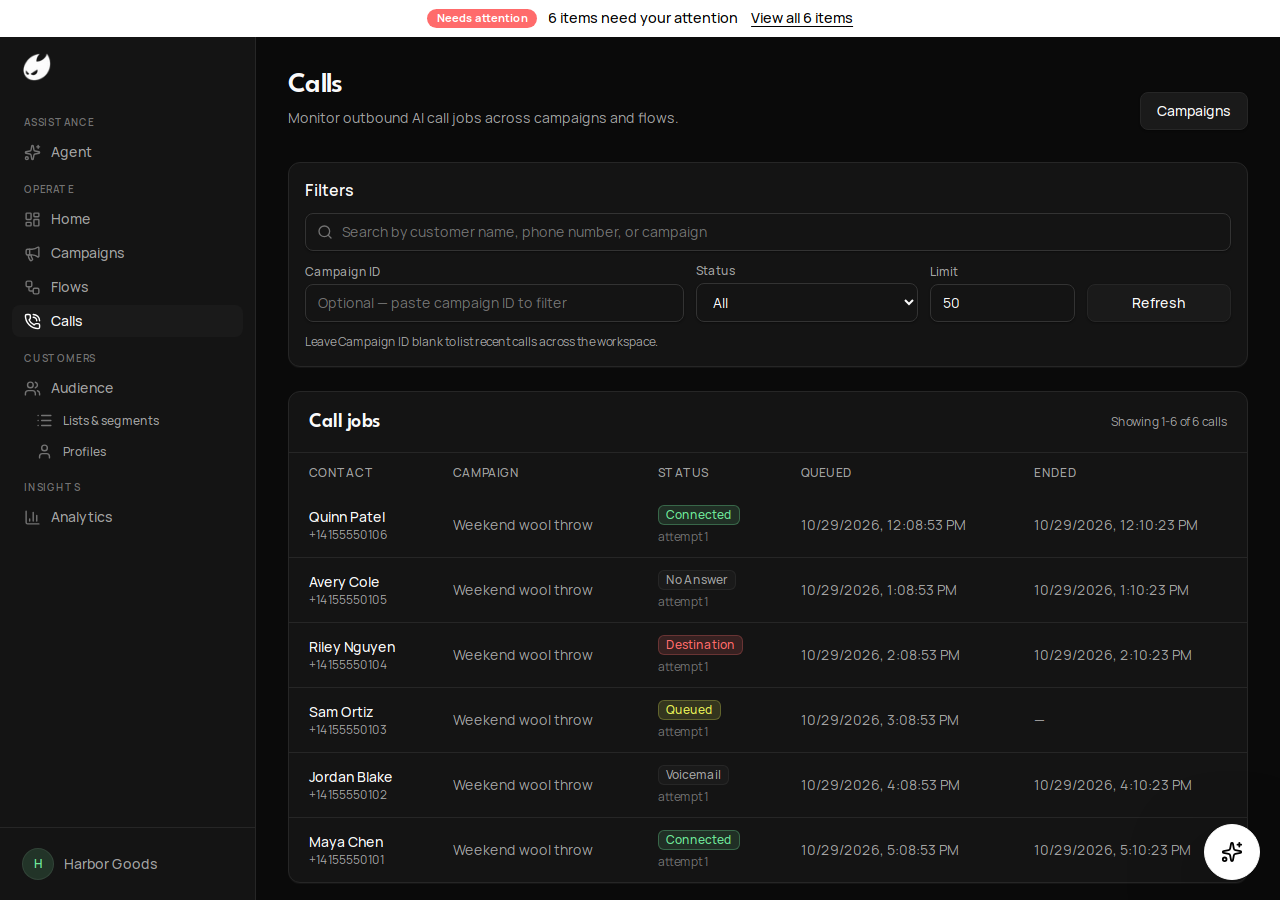
Calls searches by customer name, phone number, or campaign, then filters by status. Failed calls have their own filter.
- 1Open Calls.
- 2Search by customer name, phone number, or campaign.
- 3Filter status. Completed, no answer, busy, voicemail, failed, canceled, queued, and in progress are separate.
- 4For failed only, the failed filter is the short path.
- 5Open the row. Read the outcome, the transcript summary, and, if it never connected, the drop reason.
Test calls are not in Analytics. They can still appear in the call list so you can read what the rep said to you. They are not billed. There is no button here to download a recording package. The transcript summary is the record on the row.