Connect another store
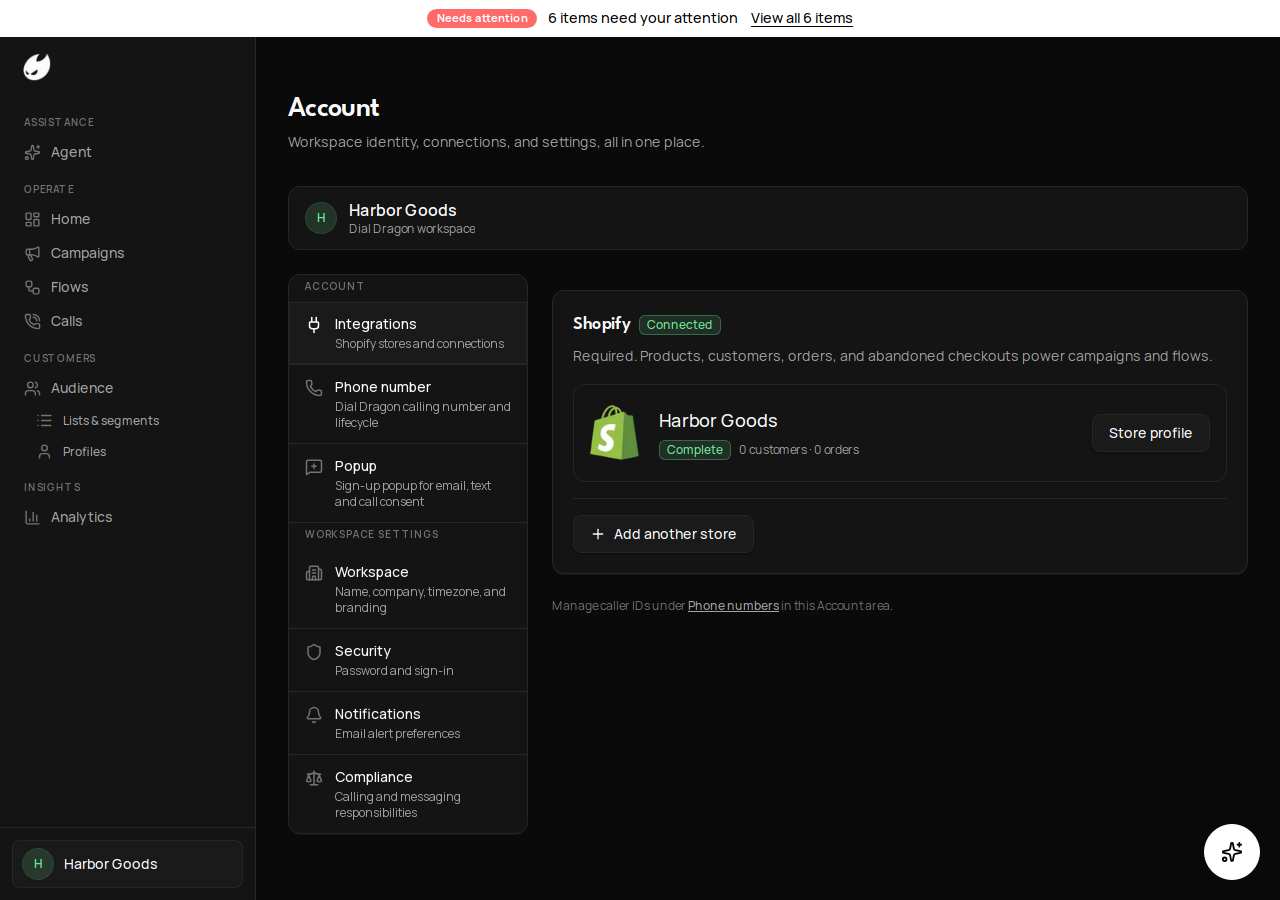
Add a second shop from Account → Integrations. Each store keeps its own profile.
- 1Open Account → Integrations.
- 2Add the other shop with its myshopify.com domain and approve the app in that store’s admin.
- 3Confirm the new store card, then open its store profile and read the facts before any call uses them.
- 4Use Reinstall store on the card if the connection needs to be granted again. Rename store if the label in Dial Dragon is wrong.