

Change the attribution window
The window is 1, 3, 7, 14, or 30 days. The default is 7. It decides which orders Analytics credits to a call. It does not change the bill.
Account → Workspace → Attribution window. Pick 1, 3, 7, 14, or 30 days. Seven is the default. An order counts toward a call when it happens inside that many days after the call.
The number is a rule for the report. A 30 day window will credit more orders than a 1 day window, including orders that would have happened anyway. It is not proof the call caused the purchase, and it does not change connected-minute billing.
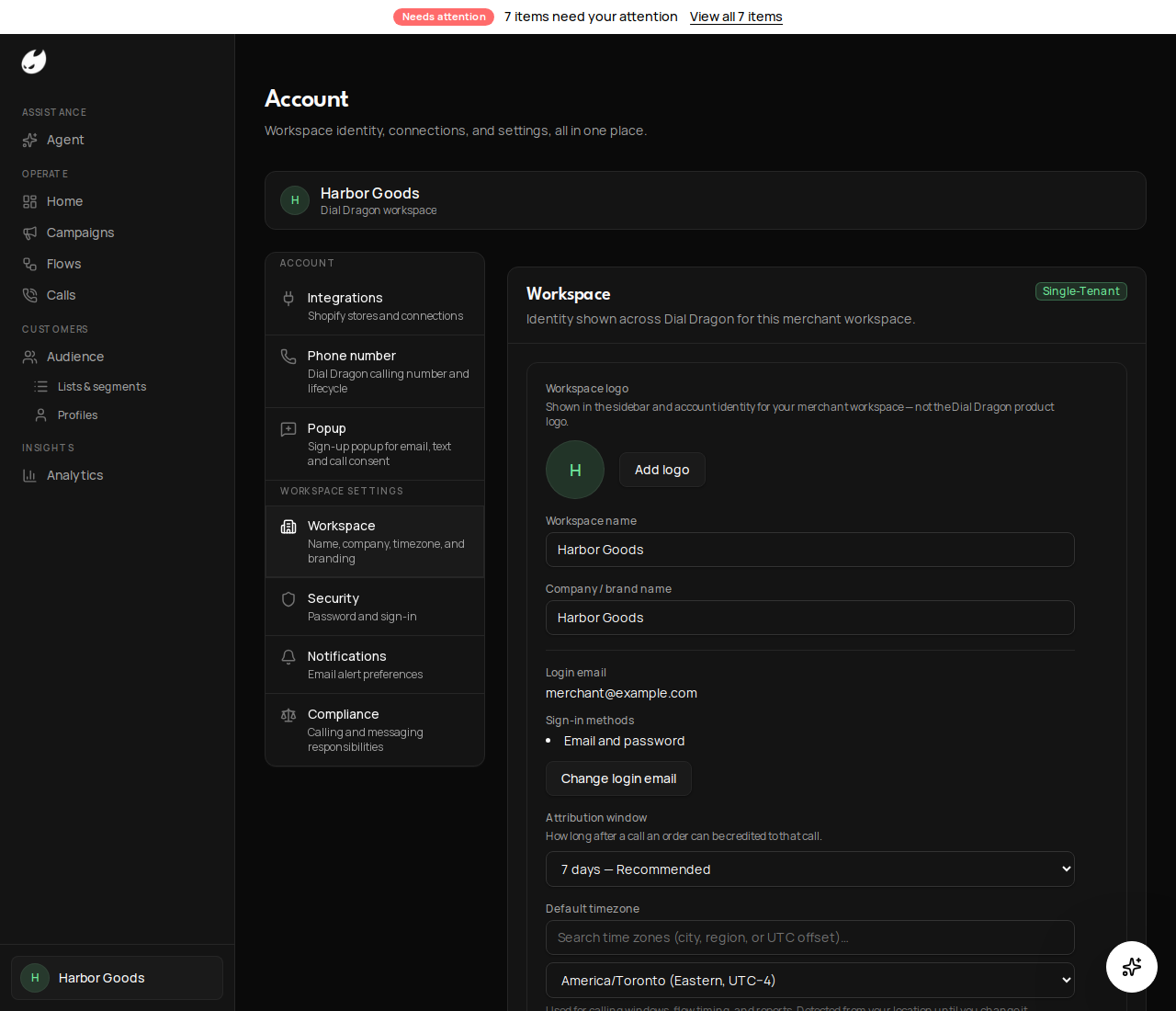
Change it when you want the report to match how you already judge the store. Tell anyone else reading Analytics which window you are on. The page does not stamp every old chart with the window that was active on the day of the call.