

Dial Dragon in the browser and in Shopify Admin
The same workspace opens at dialdragon.com and inside the Shopify app. Programs, audiences, and the calling number are shared. Shopify billing stays on the Shopify invoice.
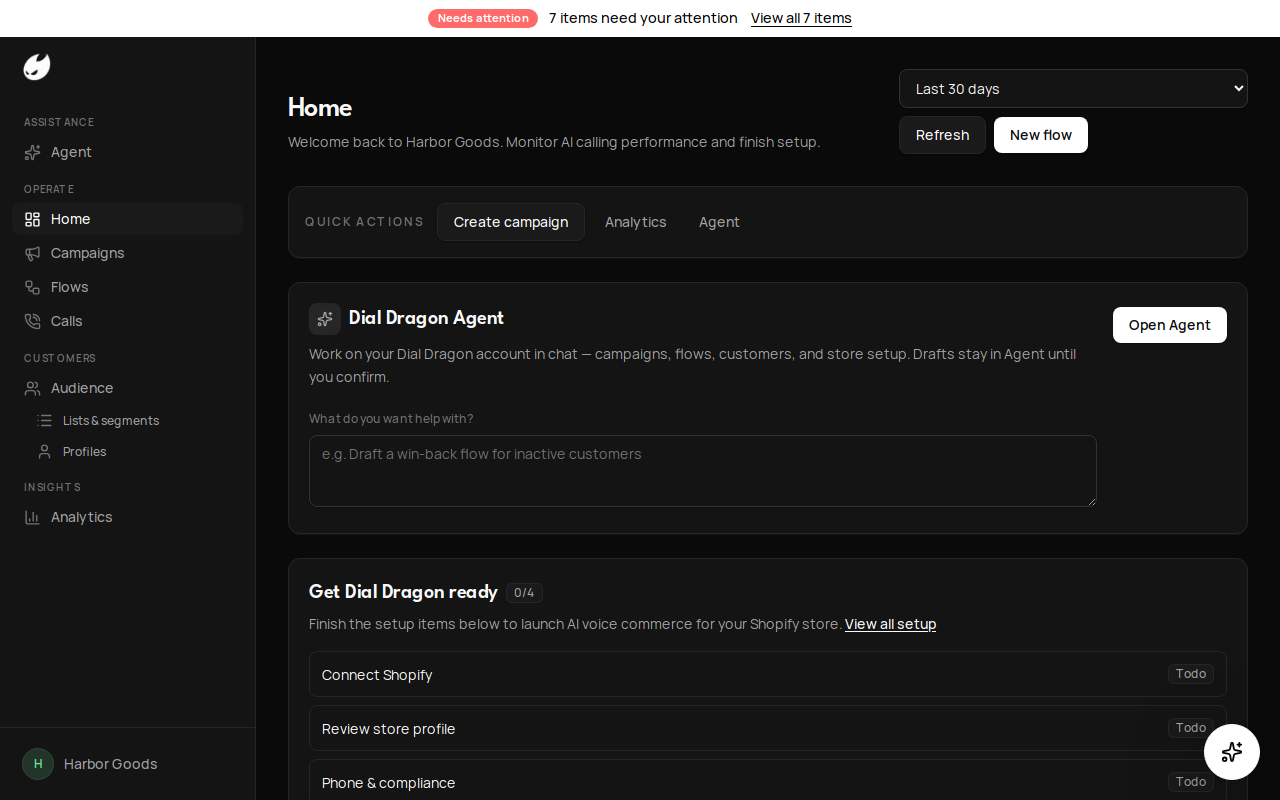
You can work in the browser at dialdragon.com, or open Dial Dragon from Shopify Admin. It is one workspace. A flow you turn on in one place is on in the other. The calling number is the same number.
- Shopify Admin is where you approve the app, paste the checkout text label, and turn on the theme app embed for the popup.
- Account → Integrations is where Dial Dragon shows the store card, sync status, reinstall, and the link to the store profile.
- If the store is billed through Shopify, usage goes on the Shopify invoice up to the cap you approve. Dial Dragon does not add a separate card checkout for that store.
Signing out of one does not delete the other. Uninstalling the app in Shopify closes the account. That is the step to avoid if you only meant to close the admin tab.